
Your CNIC (Computerized National Identity Card) is more than just an ID card — it’s your digital identity in Pakistan. From SIM registration to bank accounts and government schemes, everything is linked to your CNIC number. But what if someone misuses it?
That’s why learning how to check CNIC activity and registered services in Pakistan is essential for protecting your personal data, finances, and legal security.
In this complete guide, I’ll walk you through how to verify SIMs, check linked services, and stay safe from identity fraud in simple, practical steps.
Why It’s Important to Check CNIC Activity
Your CNIC is issued by the National Database and Registration Authority (NADRA). It connects you to:
- Mobile SIM cards
- Bank accounts
- Government subsidy programs
- Utility connections
- Property records
If someone registers a SIM or service using your CNIC without permission, you could face serious issues — including fraud investigations or financial loss.
Regularly checking your CNIC activity helps you:
- Detect unauthorized SIMs
- Prevent identity theft
- Ensure compliance with telecom laws
- Protect your credit and reputation
How to Check Registered SIMs on Your CNIC
One of the most common concerns is unauthorized SIM registration.
Method 1: PTA SIM Check via SMS
The easiest way is through the Pakistan Telecommunication Authority (PTA).
Steps:
- Open your mobile’s SMS app
- Type your 13-digit CNIC number (without dashes)
- Send it to 668
- You’ll receive a reply listing the number of SIMs registered against your CNIC for each network
This service may charge a small fee.
Method 2: Online SIM Information System
You can also visit the official PTA SIM Information website:
- Enter your CNIC number
- Complete the CAPTCHA
- View the total number of registered SIMs
If you see unknown numbers, immediately contact the relevant mobile operator to block them.
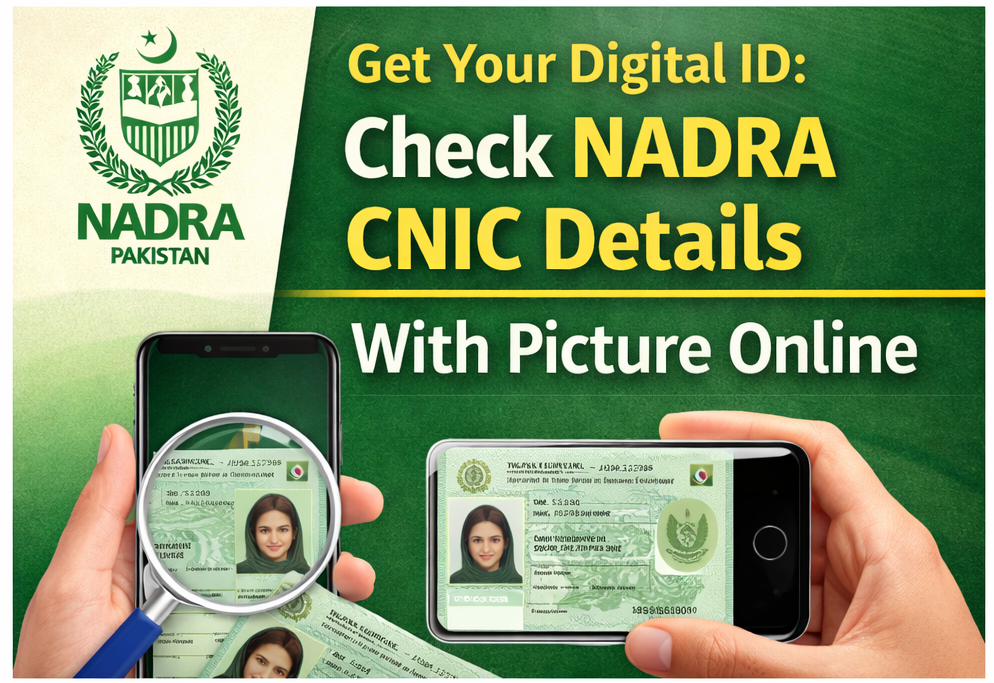
How to Check CNIC Details with NADRA
For official CNIC verification and family record details, use NADRA services.
NADRA Online Verification
Through the National Database and Registration Authority online portal, you can:
- Verify CNIC number authenticity
- Check family tree records
- Confirm identity details
This is especially useful when applying for loans, visas, or government schemes.
How to Check Bank Accounts Linked to CNIC
Banking fraud is another serious issue. To check accounts linked with your CNIC:
Method: State Bank Customer Portal
The State Bank of Pakistan provides a system to check bank accounts associated with your CNIC.
Steps:
- Visit the official customer portal
- Enter your CNIC details
- Verify through OTP
- View associated bank accounts
If you find an unknown account, immediately report it to the relevant bank and the State Bank helpline.
Check CNIC for Government Programs and Subsidies
Many government schemes require CNIC verification, such as:
- BISP
- Ehsaas Program
- Utility subsidy programs
You can verify eligibility and registered details via official portals by entering your CNIC number.
Always use official government websites to avoid scams.
Common CNIC Misuse Scenarios
Here are real-life examples of how CNIC misuse happens:
1. Unauthorized SIM Registration
Someone uses a copy of your CNIC to activate a SIM card.
2. Fake Bank Account Opening
Fraudsters may attempt to open accounts using stolen CNIC information.
3. Loan or Financial Fraud
Your CNIC could be used for illegal borrowing if not monitored.
Regular CNIC activity checks reduce these risks significantly.
Actionable Tips to Protect Your CNIC
Here are practical steps you can take today:
✔ Never Share CNIC Copies Publicly
Avoid posting CNIC photos on social media.
✔ Write Purpose on Photocopies
When submitting a CNIC copy, write:
Only for SIM registration at [Company Name] – Date
✔ Use Biometric Verification
Ensure biometric verification is completed whenever registering SIMs or financial services.
✔ Report Immediately
If suspicious activity appears:
- Contact your mobile operator
- Call the relevant bank
- File a complaint with FIA Cyber Crime Wing
Frequently Asked Questions
How many SIMs can be registered on one CNIC?
As per PTA regulations, a maximum of 5 SIMs per network can be registered on one CNIC.
Is checking CNIC activity free?
Some services (like SMS 668) may charge a small fee, while online portals are generally free.
How often should I check?
At least once every 3–6 months.
Final Thoughts: Stay Proactive, Stay Secure
Your CNIC is the foundation of your identity in Pakistan. From telecom services to banking and government benefits, everything connects to it.
Learning how to check CNIC activity and registered services in Pakistan is not just smart it’s necessary in today’s digital world.