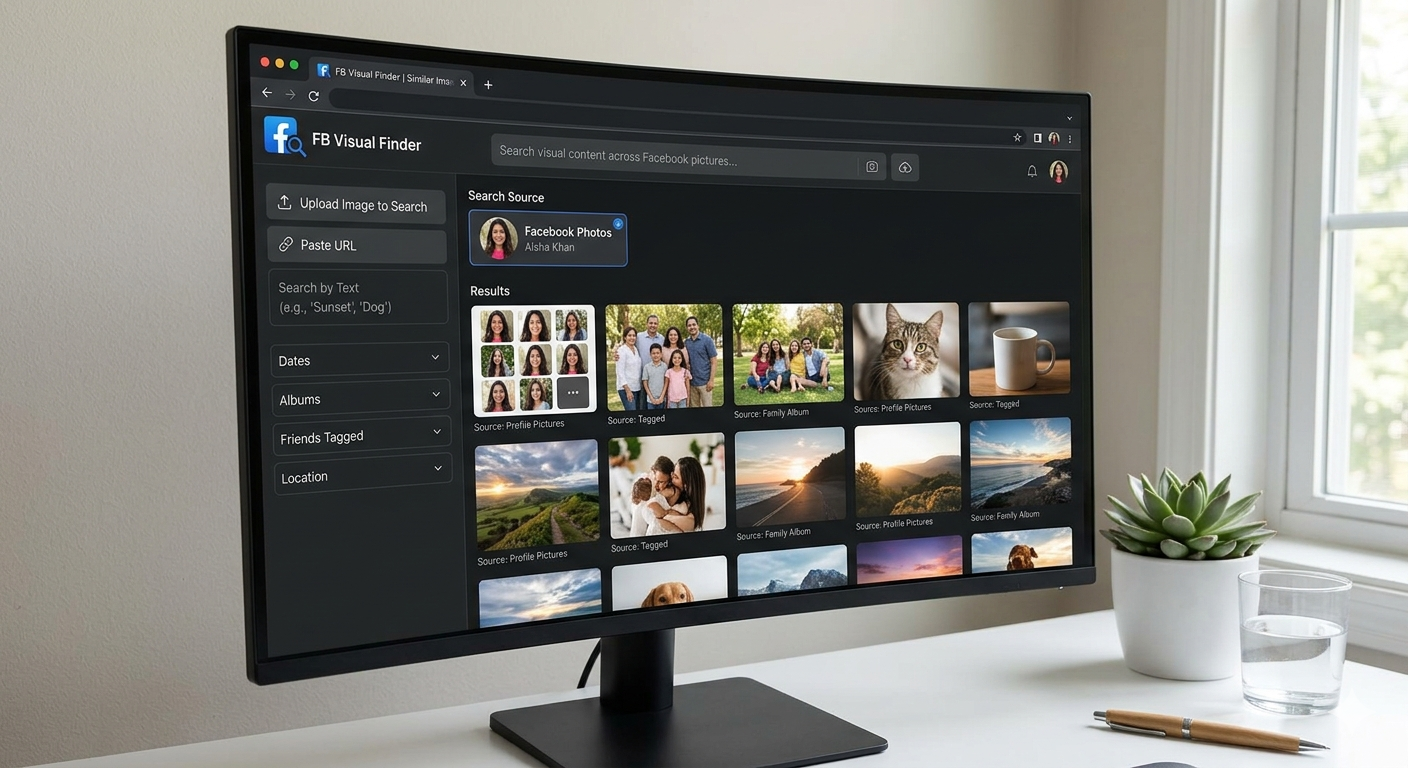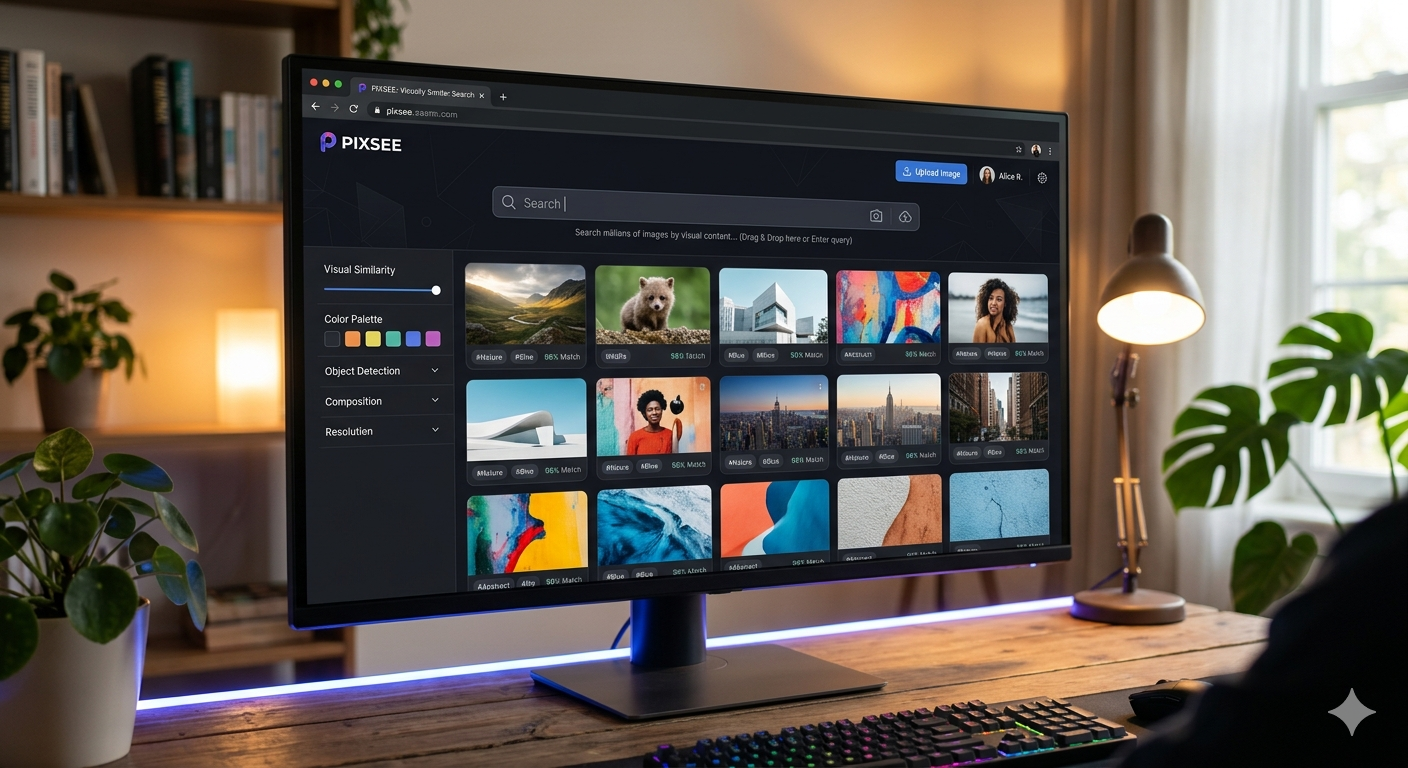

Upload the Image to a Reverse Image Search Engine
Ever stumbled across an image online and wondered where it came from, whether it’s real, or if there are similar versions out there? That’s exactly where reverse image search comes in. Instead of typing keywords, you upload an image—and let the search engine do the detective work for you.
Whether you’re verifying information, tracking down the original creator, or just curious, learning how to upload an image to a reverse image search engine can save you time and unlock a whole new way of exploring the internet.
What Is Reverse Image Search?
Reverse image search is a technology that allows you to search the web using an image instead of text. You upload a picture (or paste its URL), and the tool scans its database to find matches or visually similar images.
This method is widely used for:
- Identifying unknown objects or locations
- Finding the original source of an image
- Detecting fake or misleading content
- Discovering higher-resolution versions
How to Upload an Image to a Reverse Image Search Engine
Uploading an image is surprisingly simple. Here’s a step-by-step breakdown:
1. Choose a Reverse Image Search Tool
Popular platforms include:
- Google Images
- TinEye
- Bing Visual Search
Each offers slightly different features, but all allow image uploads.
2. Upload the Image
Look for a camera icon or “Upload Image” button. You’ll typically have two options:
- Upload from your device
- Paste an image URL
3. Analyze the Results
Once uploaded, the tool will display:
- Exact matches
- Similar images
- Websites where the image appears
This is where the real value lies—you can trace the image’s origin or see how it’s been used online.
Why Use Reverse Image Search?
Verify Authenticity
In an era of misinformation, images can be misleading. Reverse image search helps confirm whether an image is genuine or taken out of context.
Example: A viral photo claiming to show a recent event might actually be years old. A quick reverse search reveals the truth.
Find the Original Source
Photographers, designers, and researchers often use reverse image search to track down the original creator or source of an image.
Discover Similar Content
If you like a particular style or visual, reverse search can help you find more images like it—great for inspiration.
Practical Examples
Example 1: Fact-Checking News
You see a shocking image on social media. Uploading it reveals it was first published years ago in a completely different context.
Example 2: Shopping Smarter
Found a product image but not sure where to buy it? Reverse search can locate online stores selling the same or similar item.
Example 3: Protecting Your Work
Creators can upload their own images to see if others are using them without permission.
Tips for Better Results
Use High-Quality Images
Clear, high-resolution images produce more accurate matches.
Crop Unnecessary Elements
If the image has distracting backgrounds, crop it to focus on the main subject.
Try Multiple Tools
Different engines may yield different results. If one doesn’t help, try another.
Be Specific
If possible, upload the original image rather than a screenshot or edited version.
Common Limitations to Keep in Mind
While powerful, reverse image search isn’t perfect:
- It may not find newly uploaded or obscure images
- Heavily edited images can be harder to match
- Some platforms have limited databases
Still, combining multiple tools usually improves accuracy.
Conclusion: A Simple Tool with Powerful Impact
Uploading an image to a reverse image search engine is one of the easiest yet most powerful ways to uncover information online. From verifying facts to finding inspiration or protecting your work, it’s a skill worth mastering.
Next time you come across an intriguing image, don’t just scroll past it—upload it. You might be surprised by the story it tells.READ MORE