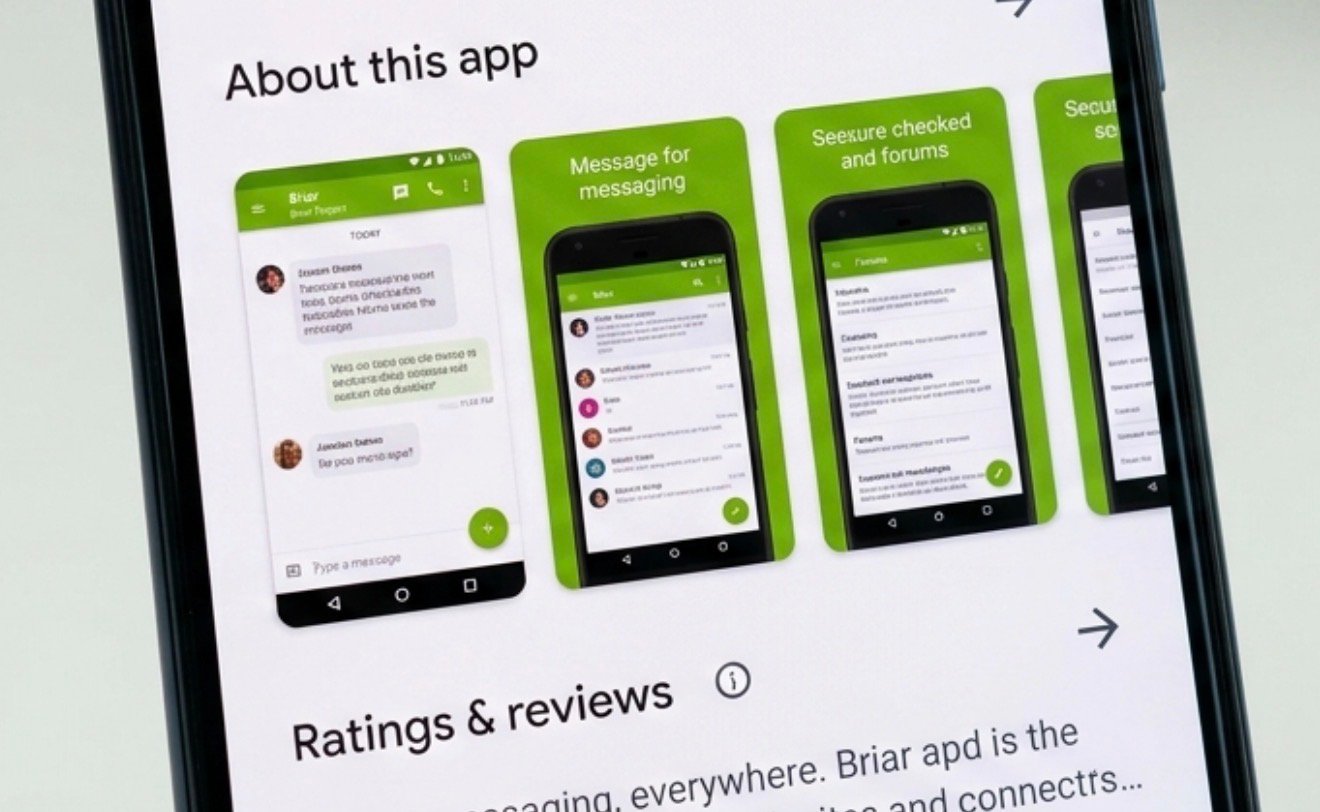

HOW TO USE BRIAR APPLICATION
In a world where privacy is increasingly hard to come by, secure communication tools are more important than ever. That’s where brair stands out. Unlike typical messaging apps, Briar doesn’t rely on central servers—it connects directly between users, making it a powerful tool for private, censorship-resistant communication.
If you’re new to Briar, don’t worry. This guide will walk you through everything you need to know—from installation to everyday use.
What Is the Briar Application?
Briar is a secure messaging app designed for activists, journalists, and anyone who values privacy. It uses end-to-end encryption and works over Bluetooth, Wi-Fi, or Tor—meaning messages can be sent even without internet access.
Key Features of Briar
- No central servers (peer-to-peer communication)
- Works offline (via Bluetooth or local Wi-Fi)
- Strong encryption for maximum privacy
- Anonymous usage (no phone number or email required)
How to Install Briar
Getting started is simple:
Step 1: Download the App
- Go to the Google Play Store or F-Droid.
- Search for Briar and install it.
Step 2: Create Your Account
- Open the app after installation.
- Choose a username and password.
- Your data stays on your device—there’s no account stored on external servers.
Tip: Choose a strong password since it protects all your messages.
How to Add Contacts in Briar
Unlike other messaging apps, Briar doesn’t sync contacts automatically. You add people manually for security reasons.
Method 1: Add Nearby Contacts
- Tap “Add Contact”
- Select “Nearby”
- Both users must scan each other’s QR codes
Method 2: Add via Link
- Share your Briar link with someone
- They can use it to send a contact request
Example: If you and a friend are in the same room, the QR code method is fastest and most secure.
How to Send Messages
Once you’ve added contacts, messaging is straightforward.
Steps:
- Tap on a contact’s name
- Type your message
- Hit send
Messages are encrypted and delivered directly—no middleman involved.
Offline Messaging
One of Briar’s standout features is offline communication:
- Messages sync when devices are nearby (Bluetooth/Wi-Fi)
- Perfect for areas with limited or no internet access
Using Forums and Blogs in Briar
Briar isn’t just for private chats—it also supports group communication.
Forums
- Create discussion groups
- Invite multiple contacts
- Share updates or collaborate securely
Blogs
- Publish posts to your contacts
- Great for broadcasting information in restricted environments
Tip: Use forums for team coordination and blogs for announcements.
Security Tips for Using Briar
To get the most out of Briar’s privacy features, follow these best practices:
Protect Your Device
- Use a strong phone lock (PIN, fingerprint, etc.)
- Avoid sharing your device with others
Keep the App Updated
- Updates often include important security fixes
Verify Contacts
- Always confirm identity when adding someone
- Use in-person QR scanning when possible
When Should You Use Briar?
Briar is ideal in situations where privacy and reliability matter most:
- During internet shutdowns or censorship
- For secure communication in sensitive environments
- When you want full control over your data
Example: Journalists working in restricted regions often use Briar to communicate safely without surveillance.
Advantages and Limitations
Advantages
- Highly secure and private
- Works without internet
- No personal data required
Limitations
- Only available on Android
- Requires both users to be online or nearby for message delivery
- Smaller user base compared to mainstream apps
Conclusion
If privacy is your priority, the Briar application is one of the most powerful messaging tools available today. It breaks away from traditional, server-based communication and gives you full control over your conversations.
While it may take a little extra effort to set up and use compared to apps like WhatsApp, the trade-off is unmatched security and independence. Once you get the hang of it, Briar becomes an incredibly reliable way to stay connected—no matter the circumstances.
Bottom line: Learn it once, and you’ll always have a secure communication option in your pocket.READ MORE