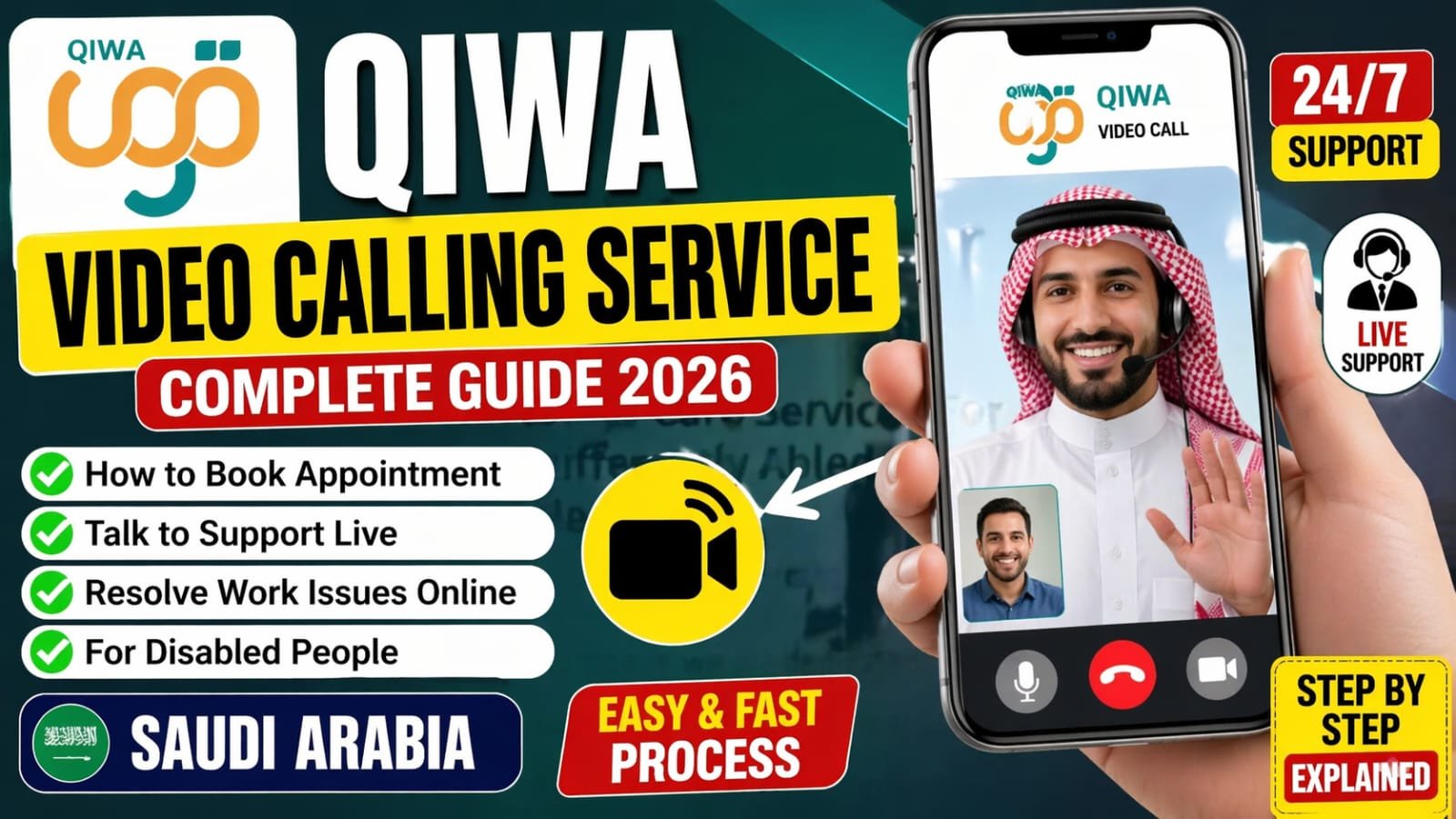

Navigating employment services in Saudi Arabia has become significantly easier thanks to digital transformation and one platform leading this change is Qiwa Platform. In 2026, its video calling service is a game-changer for employees and employers who want to resolve work-related issues without visiting offices.
Whether you’re dealing with contract disputes, sponsorship concerns, or general labor inquiries, this guide will walk you through how to book an appointment and use Qiwa’s video call feature effectively.
What is Qiwa Platform?
The Qiwa Platform is an official digital platform launched by Saudi Arabia’s Ministry of Human Resources and Social Development. It provides a wide range of labor-related services, including:
- Employment contract management
- Work permit services
- Company compliance tracking
- Employee-employer dispute resolution
In 2026, the platform’s video calling service allows users to connect directly with support representatives, saving time and reducing paperwork.
Why Use Qiwa Video Calling Service?
The video calling feature isn’t just convenient it’s designed to simplify complex labor issues. Here’s why it stands out:
1. Save Time and Travel Costs
No need to visit government offices physically. You can resolve issues from home or office.
2. Real-Time Problem Solving
Instead of waiting for email replies, you get immediate assistance via live video.
3. Transparency and Documentation
Calls are often documented, ensuring accountability and clarity in discussions.
4. Ideal for Expats and Remote Workers
Workers living in different cities or even outside Saudi Arabia can access services easily.
How to Book a Qiwa Video Call Appointment
Booking an appointment on the Qiwa Platform is straightforward. Follow these steps:
Step 1: Login to Your Account
Visit the official Qiwa website and log in using your credentials (Absher-linked account).
Step 2: Navigate to Support Services
From the dashboard, go to the Support or Contact Us section.
Step 3: Select Video Call Option
Choose Video Consultation or Virtual Meeting depending on the available options.
Step 4: Choose Issue Type
Select the category of your problem, such as:
- Contract issues
- Salary disputes
- Employer complaints
Step 5: Pick Date and Time
Choose a suitable time slot from the available schedule.
Step 6: Confirm Appointment
Review your details and confirm the booking. You’ll receive a confirmation message or email with a meeting link.
How to Prepare for Your Video Call
To make the most of your appointment, preparation is key. Here are some practical tips:
Keep Documents Ready
Have digital copies of:
- Iqama (residency ID)
- Employment contract
- Any supporting evidence (emails, salary slips)
Ensure Stable Internet
A poor connection can disrupt communication. Use a reliable Wi-Fi or mobile data network.
Choose a Quiet Environment
Avoid background noise so you can clearly explain your issue.
Be Clear and Concise
Explain your problem in a structured way. For example:
I have a salary delay issue for the last two months, and my employer hasn’t responded.
Common Issues You Can Resolve via Qiwa Video Call
The Qiwa video calling service is versatile and can handle various work-related concerns:
Employment Contract Disputes
You can discuss mismatches between agreed and actual contract terms.
Salary and Payment Issues
Report delayed or unpaid salaries and seek official guidance.
Transfer of Sponsorship
Get assistance with transferring to a new employer.
Work Permit Problems
Resolve issues related to expired or invalid permits.
Pro Tips for Faster Resolution
To maximize the effectiveness of your Qiwa appointment:
- Book early slots to avoid delays
- Double-check your documents before the call
- Follow up if your issue requires further processing
- Take notes during the call for future reference
These small steps can significantly speed up the resolution process.
Final Thoughts
The Qiwa Platform video calling service in 2026 reflects how digital innovation is transforming labor management. It empowers both employees and employers to handle issues efficiently, transparently, and without unnecessary stress.