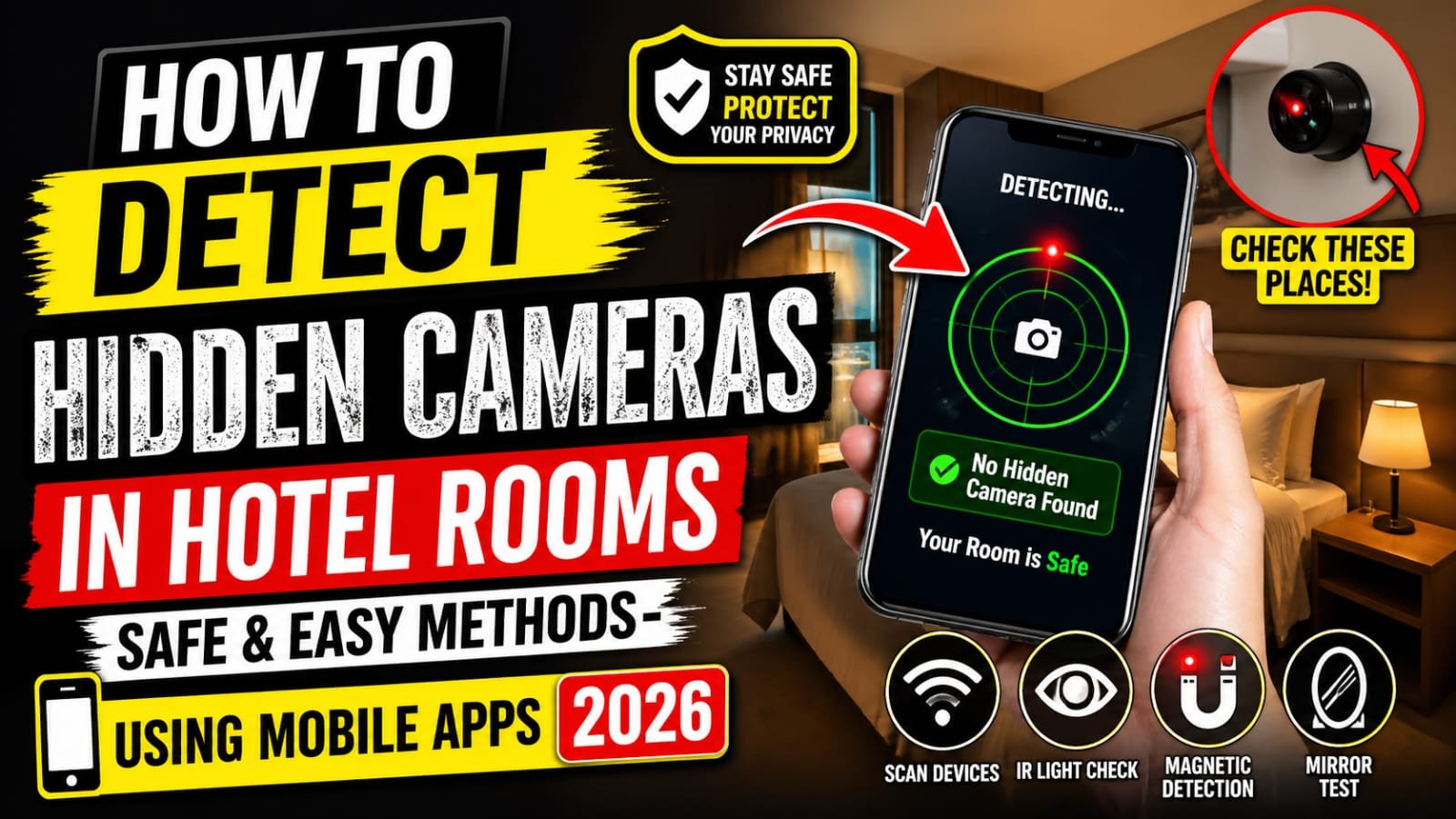

Traveling should feel relaxing, not stressful. Yet with increasing concerns about privacy, many travelers now wonder: Is my hotel room truly safe? Reports of hidden cameras in private spaces have made it essential to stay alert. The good news is that you do not need advanced technical skills to protect yourself. With a few smart techniques and the help of mobile apps, you can quickly check your surroundings and enjoy peace of mind.
Why You Should Check for Hidden Cameras
Hidden cameras are typically placed in areas where privacy is expected, such as bedrooms and bathrooms. While such incidents are rare, even a small risk is enough to justify taking precautions. Whether you are staying in a luxury hotel or a budget guesthouse, a quick inspection can help ensure your safety.
Common Places Hidden Cameras Are Found
Before diving into detection methods, it helps to know where to look. Hidden cameras are often disguised as everyday objects.
Typical hiding spots include:
- Smoke detectors
- Air purifiers
- Alarm clocks
- USB chargers
- TV set-top boxes
- Bathroom hooks or shelves
Any object with a direct view of the bed or bathroom should be treated with extra attention.
Easy Methods to Detect Hidden Cameras
You do not need expensive equipment. These simple methods can be done within minutes after entering your room.
1. Perform a Visual Inspection
Start by scanning the room carefully. Look for:
- Unusual holes or tiny lenses
- Objects that seem out of place
- Wires that lead nowhere
A practical tip is to turn off the lights and use a flashlight to scan reflective surfaces. Camera lenses often reflect light, making them easier to spot.
2. Use the Mirror Test
A quick trick involves checking mirrors. Place your finger on the mirror:
- If there is a gap between your finger and its reflection, it is a normal mirror
- If your finger touches the reflection directly, it could be a two-way mirror
While not foolproof, this method adds an extra layer of caution.
3. Check the Wi-Fi Network
Hidden cameras often connect to local Wi-Fi. Open your phone settings and scan for connected devices. If you see unfamiliar device names, it may be worth investigating further.
Detect Hidden Cameras Using Mobile Apps (2026 Guide)
Modern smartphones have made detection much easier. Several apps can help you identify suspicious devices quickly.
1. Network Scanner Apps
Apps like Fing or similar tools allow you to scan all devices connected to the same Wi-Fi network. If you notice unknown cameras or suspicious IP devices, that is a warning sign.
Tip: Look for device names containing words like cam, IP, or monitor.
2. Infrared Camera Detection Apps
Some hidden cameras use infrared (IR) for night recording. Your smartphone camera can sometimes detect these signals.
Steps:
- Turn off the lights
- Open your phone camera
- Scan the room slowly
If you see blinking lights or unusual dots, it could indicate an IR camera.
3. Magnetic Sensor Apps
Many hidden cameras contain small metal components. Apps that use your phone’s magnetometer can detect unusual magnetic activity near objects.
While this method is not perfect, it can help identify suspicious electronic devices.
Practical Example: A Quick Room Check Routine
Imagine you check into a hotel late at night. Instead of worrying, you follow a simple routine:
- Spend 2 minutes scanning the room visually
- Use your phone flashlight to check reflective spots
- Run a network scanner app
- Scan the room with your camera in the dark
In under 5 minutes, you have significantly reduced any potential risk.
Additional Safety Tips
Beyond detection, a few habits can further protect your privacy:
- Cover suspicious objects with a towel if unsure
- Avoid connecting to unknown Wi-Fi networks
- Choose reputable hotels with good reviews
- Report any suspicious findings to hotel management immediately
Are Hidden Camera Apps Reliable?
Mobile apps are helpful, but they are not 100% foolproof. Think of them as an added layer of security rather than a complete solution. Combining multiple methods gives the best results.
Conclusion
Staying in a hotel should never compromise your privacy. Learning how to detect hidden cameras in hotel rooms using safe and easy methods gives you control and confidence while traveling. A quick visual check, combined with smart use of mobile apps, can make a significant difference.