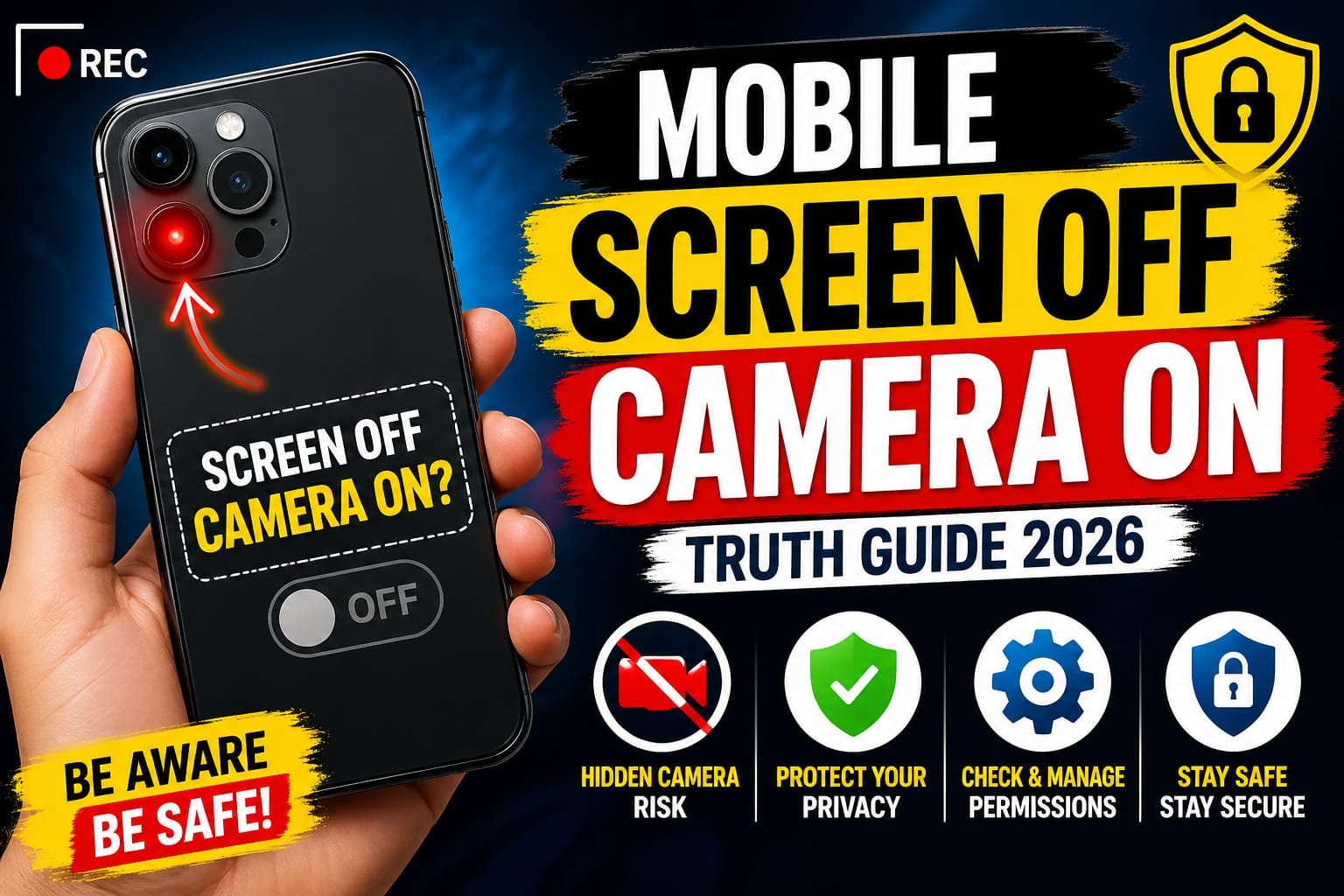

Introduction: The Hidden Truth Behind Your Phone Camera
Have you ever wondered if your phone’s camera can still record when the screen is off? It sounds like something out of a spy movie but in 2026, this question is more relevant than ever. With rising concerns about privacy, security, and hidden surveillance, many users are searching for the truth about mobile screen off camera on.
Let’s break it down clearly no myths, no confusion just real facts and practical advice you can trust.
Can a Mobile Camera Work When the Screen Is Off?
The Short Answer: Yes… But Not Always
Technically, a mobile camera can work when the screen is off, but it depends on:
- The device (Android or iPhone)
- The app being used
- System permissions and security settings
By default, most smartphones do NOT allow camera recording when the screen is off for privacy and battery reasons. However, certain apps and configurations can bypass this.
How Does It Work?
1. Background Camera Apps
Some third-party apps are designed to record video or take pictures while:
- The screen is off
- The phone appears idle
- The user is unaware
These apps run in the background using system permissions like:
- Camera access
- Microphone access
- Background activity
⚠️ This is where privacy concerns begin.
2. Screen-Off Recording Tricks
Certain apps simulate a screen off state by:
- Displaying a black screen
- Lowering brightness to zero
- Running a hidden recording mode
In reality, the screen isn’t truly off it just looks like it is.
3. Developer Mode & Custom ROMs
Advanced users can enable:
- Developer options
- Modified Android systems (custom ROMs)
These can allow deeper control, including background camera usage but this is not common for regular users.
Is It Legal or Safe?
Privacy & Legal Concerns
Using a camera with the screen off without someone’s consent can be illegal in many countries. It may violate:
- Privacy laws
- Surveillance regulations
- Ethical boundaries
Always ensure you are using such features responsibly and legally.
Common Myths vs Reality
Myth 1: Your phone is secretly recording you all the time
❌ False — Modern smartphones have strict permission controls.
Myth 2: Screen off means camera must be off
❌ Not always true — Apps can override this in some cases.
Myth 3: Only hackers can do this
❌ Wrong — Some apps openly offer this feature.
Real-Life Use Cases
While it sounds suspicious, there are legitimate uses:
✔ Security Monitoring
Use your phone as a hidden security camera at home.
✔ Journalism & Investigation
Discreet recording in sensitive situations.
✔ Personal Safety
Recording interactions for protection.
But again use responsibly.
Risks You Should Know
1. Spy Apps & Malware
Some apps misuse this feature to:
- Spy on users
- Steal data
- Record without permission
2. Battery Drain
Running the camera in the background consumes significant power.
3. Overheating Issues
Continuous background recording can heat your device.
How to Protect Yourself
🔒 Check App Permissions
Go to settings and review:
- Camera access
- Microphone access
- Background activity
Remove permissions from suspicious apps.
🔒 Use Trusted Apps Only
Download apps only from official stores like:
- Google Play Store
- Apple App Store
Avoid unknown APK files.
🔒 Look for Camera Indicators
Modern phones show indicators when:
- Camera is active
- Microphone is in use
If you see this unexpectedly, investigate immediately.
🔒 Install Security Apps
Use mobile security apps to detect:
- Spyware
- Hidden recording apps
- Suspicious behavior
Best Apps That Support Screen-Off Camera (Legit Use)
Some apps are designed for ethical and transparent use, such as:
- Background video recorder apps
- Security camera apps
- Baby monitor apps
Always check reviews and permissions before installing.
Final Verdict: Should You Be Worried?
The idea of a mobile screen off camera on sounds alarming but here’s the reality:
- It’s technically possible
- It’s not enabled by default
- It requires app permission or modification
So, no your phone isn’t secretly spying on you out of the box. But yes, careless app permissions can create risks.
Conclusion: Stay Smart, Stay Secure
In 2026, smartphone privacy is in your hands. Understanding how features like background camera access work helps you stay one step ahead.