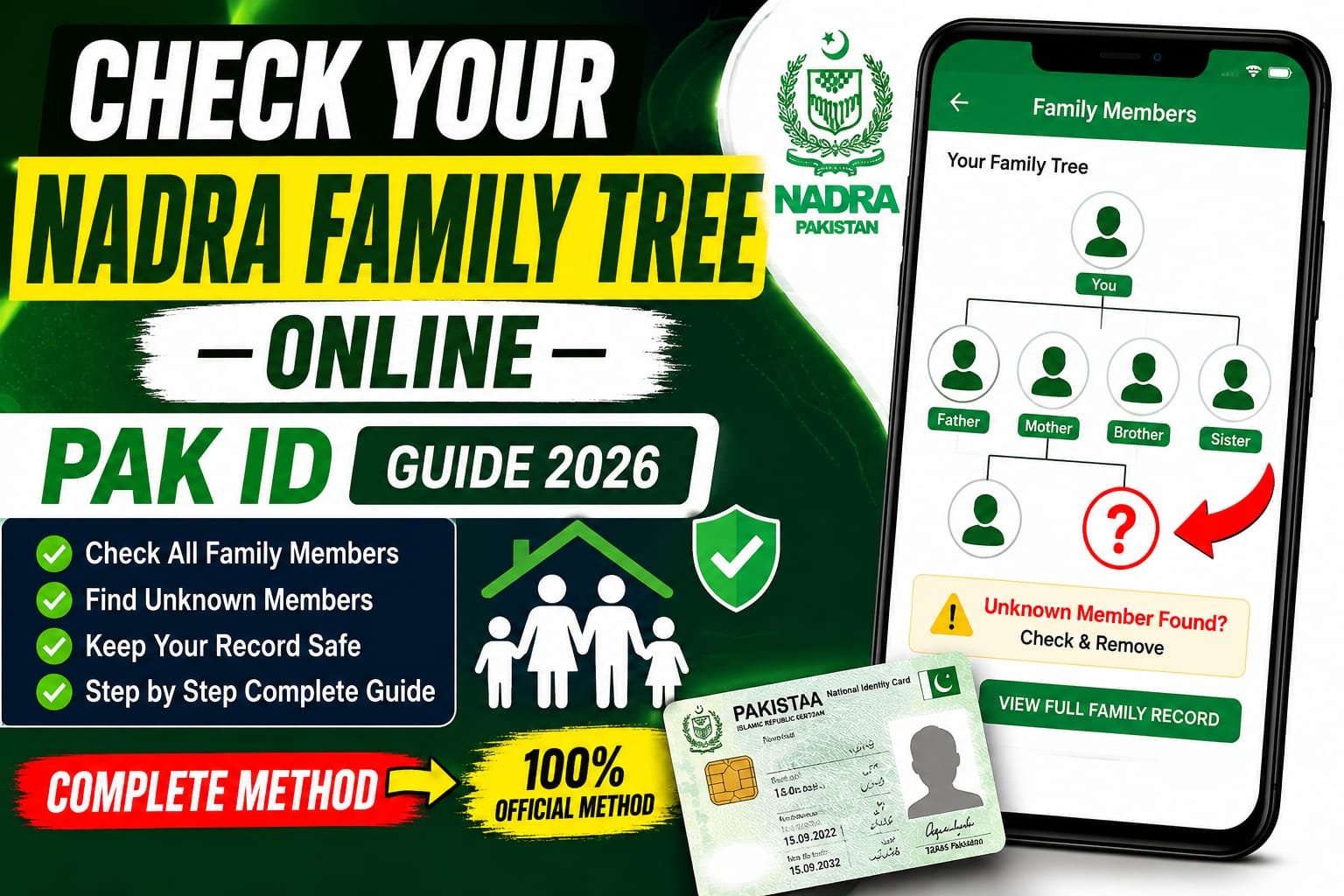

Have you ever wondered who is officially linked to your family record in NADRA’s database? With the growing importance of digital identity verification in Pakistan, checking your NADRA Family Tree has become more important than ever. Whether you’re applying for official documents, verifying family records, or protecting yourself from identity fraud, NADRA’s online services make the process easier than before.
In this comprehensive Pak ID Guide 2026, you’ll learn how to check your NADRA Family Tree online, why it matters, and what steps to take if you find incorrect or unknown family members attached to your record.
What Is the NADRA Family Tree?
The NADRA Family Tree is a digital record maintained by the National Database and Registration Authority (NADRA) that shows all family members linked through your Family Registration Certificate (FRC) and national identity records.
The family tree typically includes:
- Parents
- Spouse(s)
- Children
- Siblings (depending on the family record structure)
This database helps ensure accurate identity management and supports various government services, legal procedures, and documentation requirements.
Why Should You Check Your NADRA Family Tree?
Many citizens assume their family records are always accurate. However, errors can occur due to data entry mistakes, outdated information, or fraudulent activities.
Key Benefits of Checking Your Family Tree
Prevent Identity Fraud
Verifying your family record helps identify unknown individuals who may have been mistakenly or fraudulently linked to your family.
Ensure Accurate Documentation
Accurate family information is essential when applying for:
- Passports
- CNIC renewals
- Family Registration Certificates (FRC)
- Inheritance-related matters
- Visa applications
Avoid Future Complications
Correcting errors early can save significant time and effort when dealing with official government processes.
How to Check Your NADRA Family Tree Online Using Pak ID
The Pak ID system allows Pakistani citizens to access various NADRA services digitally. Checking your family information is a straightforward process.
Step 1: Create or Log In to Your Pak ID Account
Visit the official Pak ID portal and sign in using your credentials. If you don’t already have an account, complete the registration process using your CNIC details.
Step 2: Access Family Record Services
After logging in, navigate to the family-related services section. Here, you’ll find options related to Family Registration Certificates and family verification services.
Step 3: Request Family Information
Submit the required details and follow the on-screen instructions. Depending on the service selected, you may need to verify your identity through biometric or security verification methods.
Step 4: Review Your Family Tree
Once processed, review all listed family members carefully. Check names, relationships, and other details for accuracy.
Alternative Method: Verify Family Tree Through SMS
NADRA also offers a convenient SMS verification service.
How It Works
- Open your mobile messaging app.
- Type your CNIC number without dashes.
- Send it to the designated NADRA verification service number.
- You will receive information regarding your registered family members.
- Confirm whether all listed individuals belong to your family.
This method is especially useful for users with limited internet access.
What to Do If You Find Unknown Family Members
Finding unfamiliar names in your NADRA Family Tree can be concerning, but the issue can be resolved.
Report the Issue Immediately
If you notice an unknown individual linked to your family record:
- Do not ignore the discrepancy.
- Report the issue through NADRA’s official complaint channels.
- Visit a nearby NADRA Registration Center if necessary.
Provide Supporting Documents
You may be asked to submit documents such as:
- CNIC copies
- Birth certificates
- Marriage certificates
- Family Registration Certificate (FRC)
These documents help NADRA verify and correct the information.
Tips for Maintaining Accurate NADRA Family Records
Keep Your Information Updated
Whenever there is a major life event such as:
- Marriage
- Divorce
- Birth of a child
- Death of a family member
Update your records promptly.
Review Records Regularly
Checking your family tree once or twice a year can help identify issues before they become serious problems.
Protect Your Personal Information
Never share sensitive identity information with unauthorized individuals or unofficial websites.
Common Questions About NADRA Family Tree Verification
Is Checking the NADRA Family Tree Free?
Some verification methods may be free, while certain online services or document requests may involve a nominal fee.
Can Overseas Pakistanis Use Pak ID?
Yes. Pak ID is specifically designed to provide digital identity services for both local and overseas Pakistanis.
How Long Does Record Correction Take?
Processing times vary depending on the nature of the correction and the supporting documents provided.
Conclusion
Checking your NADRA Family Tree online through Pak ID is one of the simplest ways to protect your identity and ensure your official family records remain accurate. As digital verification becomes increasingly important in Pakistan, regularly reviewing your family information can help prevent fraud, avoid documentation issues, and ensure smooth access to government services.