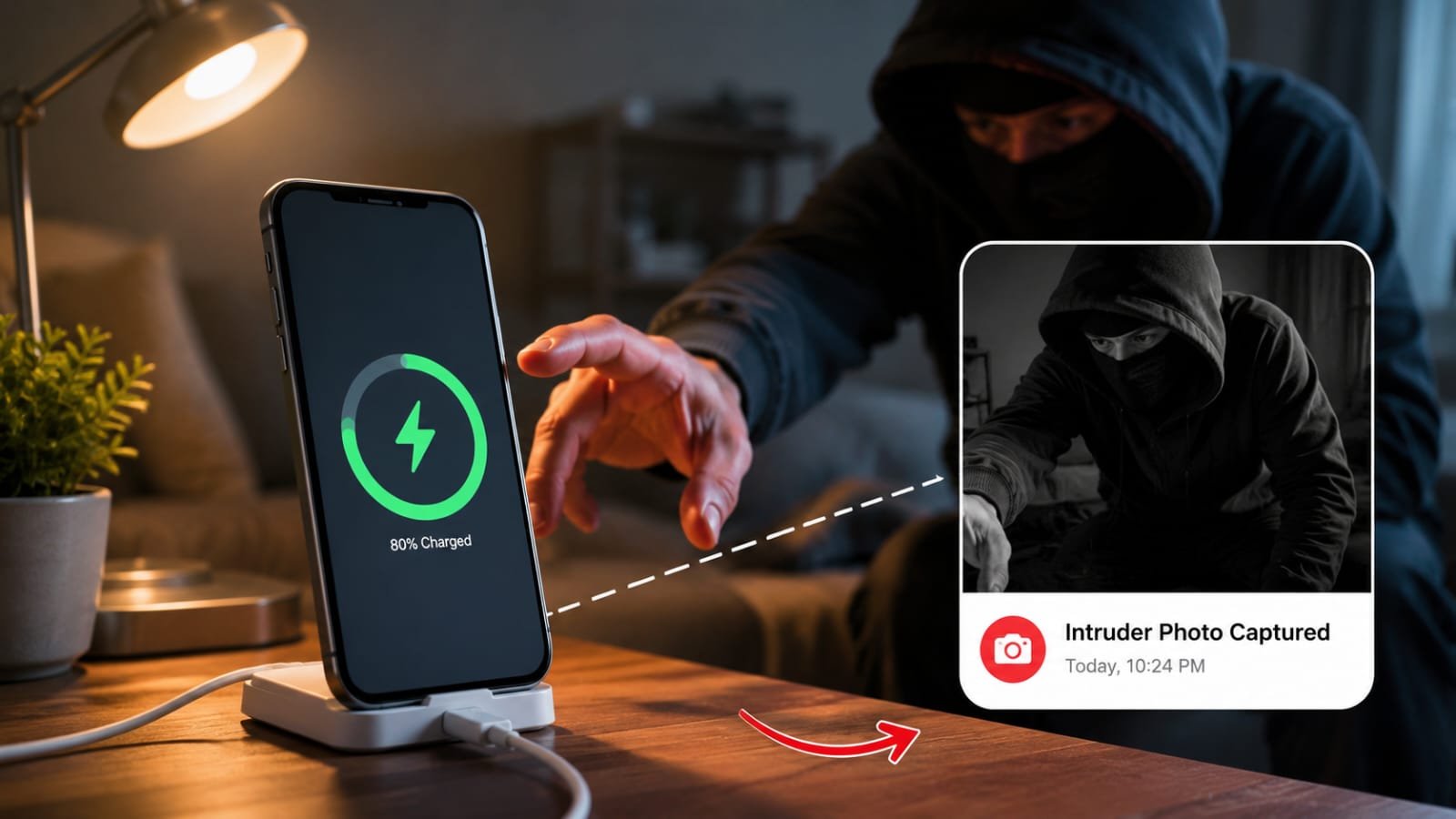

Have you ever left your phone charging in your office, bedroom, classroom, or a public place and wondered whether someone secretly picked it up while you were away? In today’s digital world, smartphones contain everything from private photos and banking apps to personal conversations and work documents. That’s why protecting your device has become more important than ever.
Fortunately, a hidden security trick available on many modern smartphones in 2026 can help you detect if someone touches or unlocks your phone while it’s charging. This simple feature can give you peace of mind and help protect your privacy.
Let’s explore how it works and how you can use it effectively.
Why Phone Security Matters While Charging
Many people assume their phone is safe when it is connected to a charger. However, charging time is often when a device is left unattended.
Common situations include:
- Charging your phone at work
- Leaving it plugged in overnight
- Charging it in a shared dormitory or hostel
- Using public charging stations
- Leaving it in a hotel room
During these moments, someone may attempt to access your device without permission.
The Hidden Charging Security Trick
One of the easiest ways to catch unauthorized access is by using motion detection or charging theft alarm apps.
These apps monitor your phone while it’s connected to power. If someone picks up the device, disconnects the charger, or moves the phone, an alarm immediately sounds.
This alerts you and often scares away anyone attempting to use your device.
How It Works
Most charging security apps use:
- Motion sensors
- Accelerometers
- Charging status monitoring
- Lock screen protection
When activated, the app watches for changes. If movement is detected, a loud alarm is triggered even if the phone is locked.
How to Set Up a Charging Security Alarm
Setting up this feature usually takes less than two minutes.
Step 1: Install a Trusted Security App
Search your app store for:
- Charging alarm apps
- Anti-theft alarm apps
- Phone motion detector apps
Choose one with positive reviews and regular updates.
Step 2: Connect Your Charger
Plug your phone into a charger as normal.
Step 3: Activate Protection Mode
Open the app and enable the monitoring feature.
Some apps allow you to set:
- Alarm volume
- Sensitivity level
- Custom alarm sounds
- PIN protection
Step 4: Leave Your Phone Safely
Once armed, the phone begins monitoring for suspicious activity.
If someone touches or disconnects it, the alarm will activate instantly.
Built-In Android and iPhone Security Features
Even without third-party apps, modern smartphones offer useful security tools.
Android Features
Many Android devices include:
- Lock screen notifications
- Fingerprint security
- Face unlock logs
- Device activity monitoring
You can often review recent unlock attempts through security settings.
iPhone Features
Apple devices provide:
- Face ID security
- Attention awareness
- Notification history
- Screen Time activity reports
These features help identify whether someone interacted with your phone while you were away.
Additional Ways to Detect Unauthorized Access
Check Notification History
Many phones keep a record of dismissed notifications.
If messages appear as read when you never opened them, someone may have accessed your device.
Review App Usage
Most smartphones track application activity.
Check which apps were opened and at what time. Unexpected activity could indicate unauthorized access.
Enable Lock Screen Alerts
Some security apps send alerts when:
- The wrong password is entered
- The phone is moved
- The charger is disconnected
These notifications provide an additional layer of protection.
Best Practices for Protecting Your Phone
The charging alarm trick is useful, but it works best when combined with good security habits.
Use a Strong Passcode
Avoid simple PINs like:
- 1234
- 0000
- Birthdates
Choose a unique password that is difficult to guess.
Enable Biometric Security
Use:
- Fingerprint scanning
- Face recognition
- Multi-factor authentication
These methods make unauthorized access much harder.
Keep Software Updated
Security updates often patch vulnerabilities that hackers and intruders may exploit.
Avoid Public USB Charging Risks
Whenever possible, use your own charger and power adapter instead of unknown public USB ports.
Are Charging Alarm Apps Safe?
Most reputable charging alarm apps are safe when downloaded from official app stores.
Before installing any app:
- Check reviews
- Read permissions carefully
- Avoid apps requesting unnecessary access
- Choose developers with a good reputation
This helps protect both your privacy and your data.
Conclusion
As smartphones become more valuable and data-rich, protecting them from unauthorized access is essential. The hidden charging security trick of 2026 using a charging alarm or anti-theft monitoring app offers a simple yet effective way to catch anyone who tries to use your phone while it’s charging.